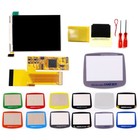
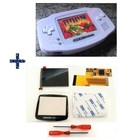
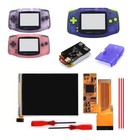
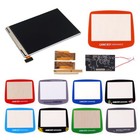
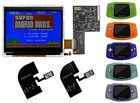
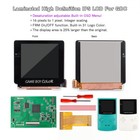
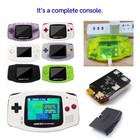
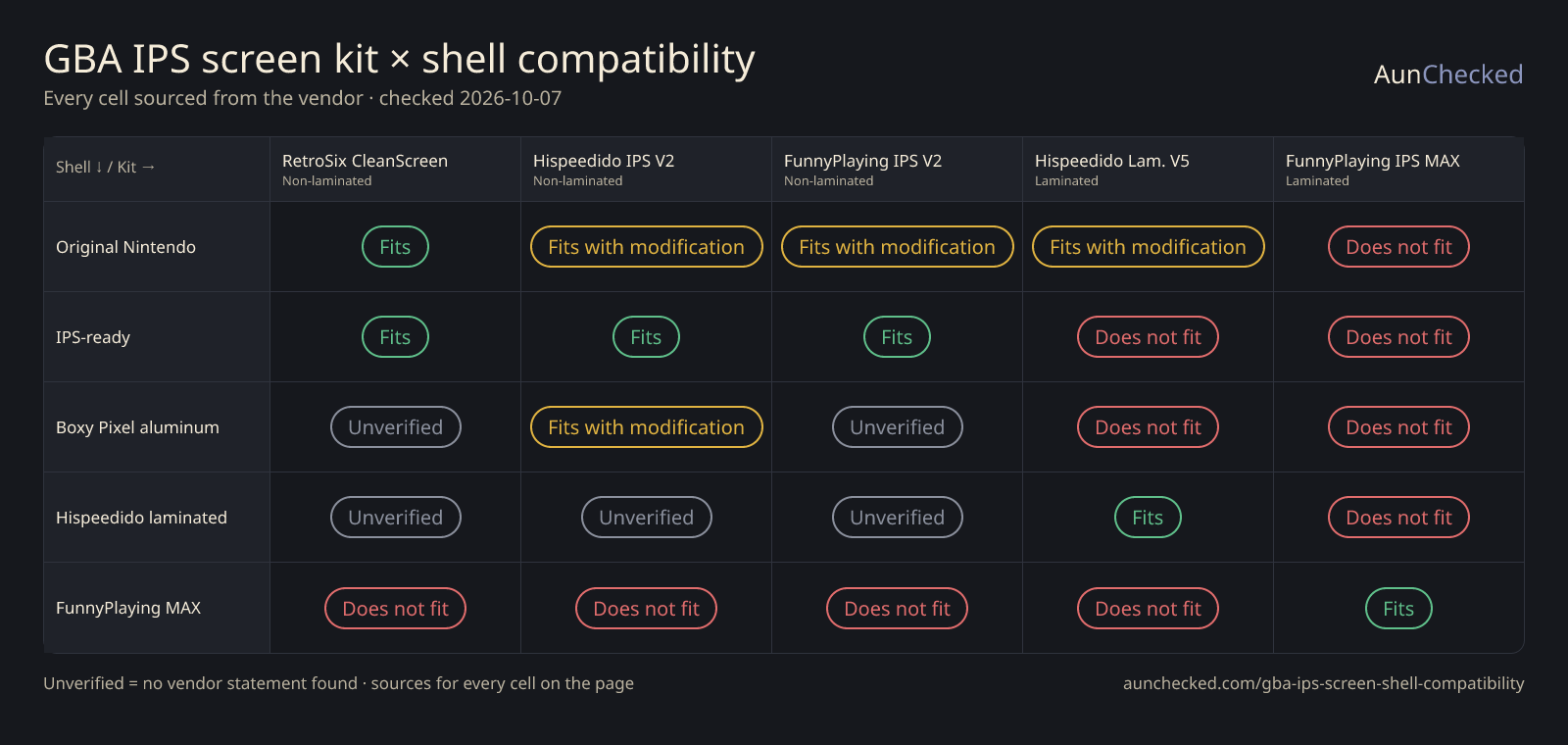
Short answer: laminated kits only fit the shell made for them. Non-laminated kits fit IPS-ready shells, and fit original Nintendo shells only after trimming (RetroSix CleanScreen is the vendor-stated exception). Every cell below links the vendor page it came from.
Last checked · 5 kits × 5 shells · 6 fit, 4 need trimming, 10 don't fit, 5 unverified · US prices · we read the vendors' own pages, we do not bench-test hardware
Rows are shells, columns are kits. “Unverified” means we found no vendor statement — we never guess. Open “Installed this pair?” in any cell to add what happened on your console.
Show:
GBA IPS screen kit (columns) × shell (rows) compatibility, each cell with its vendor source
Shell ↓ / Kit →
RetroSix CleanScreenNon-laminated
Hispeedido IPS V2Non-laminated
FunnyPlaying IPS V2Non-laminated
Hispeedido Laminated V5Laminated
FunnyPlaying IPS MAXLaminated
Original Nintendo shell
Fits
Vendor: no cutting or trimming of OEM shells required.
Installed this pair?
Fits with modification
Non-IPS-ready shells need a trim to fit an IPS panel.
Installed this pair?
Fits with modification
Non-IPS-ready shells need a trim to fit an IPS panel.
Installed this pair?
Fits with modification
Kit vendor: non-laminated shells may need heavy trimming; recommends the Hispeedido laminated shell.
Installed this pair?
Does not fit
Only pairs with FunnyPlaying's matching shell; OEM needs modification.
Installed this pair?
IPS-ready shell (RetroSix, FunnyPlaying IPS/ITA)
Fits
RetroSix shells work without modification.
Installed this pair?
Fits
IPS-ready shell: no shell modification needed.
Installed this pair?
Fits
FunnyPlaying IPS/ITA shell: only a few alignment pins to cut, depending on kit.
Installed this pair?
Does not fit
RetroSix and FunnyPlaying IPS shells are not for laminated kits.
Installed this pair?
Does not fit
Laminated kits are not for standard IPS-ready shells.
Installed this pair?
Boxy Pixel aluminum shell
Unverified
No vendor statement found
Installed this pair?
Fits with modification
Should fit from the images; touch sensors need a custom mount.
Installed this pair?
Unverified
No vendor statement found
Installed this pair?
Does not fit
Boxy Pixel: shells do not yet support laminated screens.
Installed this pair?
Does not fit
Boxy Pixel: laminated kit will not fit their shells yet.
Installed this pair?
Hispeedido laminated IPS shell
Unverified
No vendor statement found
Installed this pair?
Unverified
No vendor statement found
Installed this pair?
Unverified
No vendor statement found
Installed this pair?
Fits
Molded for Hispeedido laminated IPS kits, pairs with the V5.
Installed this pair?
Does not fit
Vendor: this kit only pairs with FunnyPlaying's IPS MAX shell.
Installed this pair?
FunnyPlaying IPS MAX laminated shell
Does not fit
Vendor: the IPS MAX shell is designed to work only with the IPS MAX kit.
Installed this pair?
Does not fit
Vendor: the IPS MAX shell is designed to work only with the IPS MAX kit.
Installed this pair?
Does not fit
Vendor: the IPS MAX shell is designed to work only with the IPS MAX kit.
Installed this pair?
Does not fit
Kit vendor: not compatible with FunnyPlaying or other laminated shells.
Installed this pair?
Fits
Vendor: this kit only pairs with this shell.
Installed this pair?
RetroSix CleanScreen
Non-laminated, drop-in, no soldering
Original Nintendo shell
Fits
Vendor: no cutting or trimming of OEM shells required.
Installed this pair?
IPS-ready shell (RetroSix, FunnyPlaying IPS/ITA)
Fits
RetroSix shells work without modification.
Installed this pair?
Boxy Pixel aluminum shell
Unverified
No vendor statement found
Installed this pair?
Hispeedido laminated IPS shell
Unverified
No vendor statement found
Installed this pair?
FunnyPlaying IPS MAX laminated shell
Does not fit
Vendor: the IPS MAX shell is designed to work only with the IPS MAX kit.
Installed this pair?
Hispeedido IPS V2
Non-laminated, touch-sensor brightness
Original Nintendo shell
Fits with modification
Non-IPS-ready shells need a trim to fit an IPS panel.
Installed this pair?
IPS-ready shell (RetroSix, FunnyPlaying IPS/ITA)
Fits
IPS-ready shell: no shell modification needed.
Installed this pair?
Boxy Pixel aluminum shell
Fits with modification
Should fit from the images; touch sensors need a custom mount.
Installed this pair?
Hispeedido laminated IPS shell
Unverified
No vendor statement found
Installed this pair?
FunnyPlaying IPS MAX laminated shell
Does not fit
Vendor: the IPS MAX shell is designed to work only with the IPS MAX kit.
Installed this pair?
FunnyPlaying IPS V2
Non-laminated, separate glass lens
Original Nintendo shell
Fits with modification
Non-IPS-ready shells need a trim to fit an IPS panel.
Installed this pair?
IPS-ready shell (RetroSix, FunnyPlaying IPS/ITA)
Fits
FunnyPlaying IPS/ITA shell: only a few alignment pins to cut, depending on kit.
Installed this pair?
Boxy Pixel aluminum shell
Unverified
No vendor statement found
Installed this pair?
Hispeedido laminated IPS shell
Unverified
No vendor statement found
Installed this pair?
FunnyPlaying IPS MAX laminated shell
Does not fit
Vendor: the IPS MAX shell is designed to work only with the IPS MAX kit.
Installed this pair?
Hispeedido Laminated V5
Laminated, needs its own shell
Original Nintendo shell
Fits with modification
Kit vendor: non-laminated shells may need heavy trimming; recommends the Hispeedido laminated shell.
Installed this pair?
IPS-ready shell (RetroSix, FunnyPlaying IPS/ITA)
Does not fit
RetroSix and FunnyPlaying IPS shells are not for laminated kits.
Installed this pair?
Boxy Pixel aluminum shell
Does not fit
Boxy Pixel: shells do not yet support laminated screens.
Installed this pair?
Hispeedido laminated IPS shell
Fits
Molded for Hispeedido laminated IPS kits, pairs with the V5.
Installed this pair?
FunnyPlaying IPS MAX laminated shell
Does not fit
Kit vendor: not compatible with FunnyPlaying or other laminated shells.
Installed this pair?
FunnyPlaying IPS MAX
3.2" laminated, 960×640
Original Nintendo shell
Does not fit
Only pairs with FunnyPlaying's matching shell; OEM needs modification.
Installed this pair?
IPS-ready shell (RetroSix, FunnyPlaying IPS/ITA)
Does not fit
Laminated kits are not for standard IPS-ready shells.
Installed this pair?
Boxy Pixel aluminum shell
Does not fit
Boxy Pixel: laminated kit will not fit their shells yet.
Installed this pair?
Hispeedido laminated IPS shell
Does not fit
Vendor: this kit only pairs with FunnyPlaying's IPS MAX shell.
Installed this pair?
FunnyPlaying IPS MAX laminated shell
Fits
Vendor: this kit only pairs with this shell.
Installed this pair?
Reader reports appear once a pair has 3+ and are not vendor-verified; the colored status always comes from the vendor source.
What to buy
Keeping your original shell: RetroSix CleanScreen — the only kit here where the vendor says no cutting or trimming of OEM shells is required, and no soldering.
Want the biggest, laminated screen: buy the kit and its matching shell together (FunnyPlaying IPS MAX + IPS MAX shell, or Hispeedido Laminated V5 + Hispeedido laminated shell). Do not mix the two brands.
Buying a non-laminated kit with a new shell: choose an IPS-ready shell and a lens sized for IPS kits; avoid laminated-ready shells.
Aluminum (Boxy Pixel) shell: non-laminated kits only — Boxy Pixel says its shells do not support laminated screens yet.
Kit specs side by side
Only what each vendor states; “—” means the vendor page does not say.
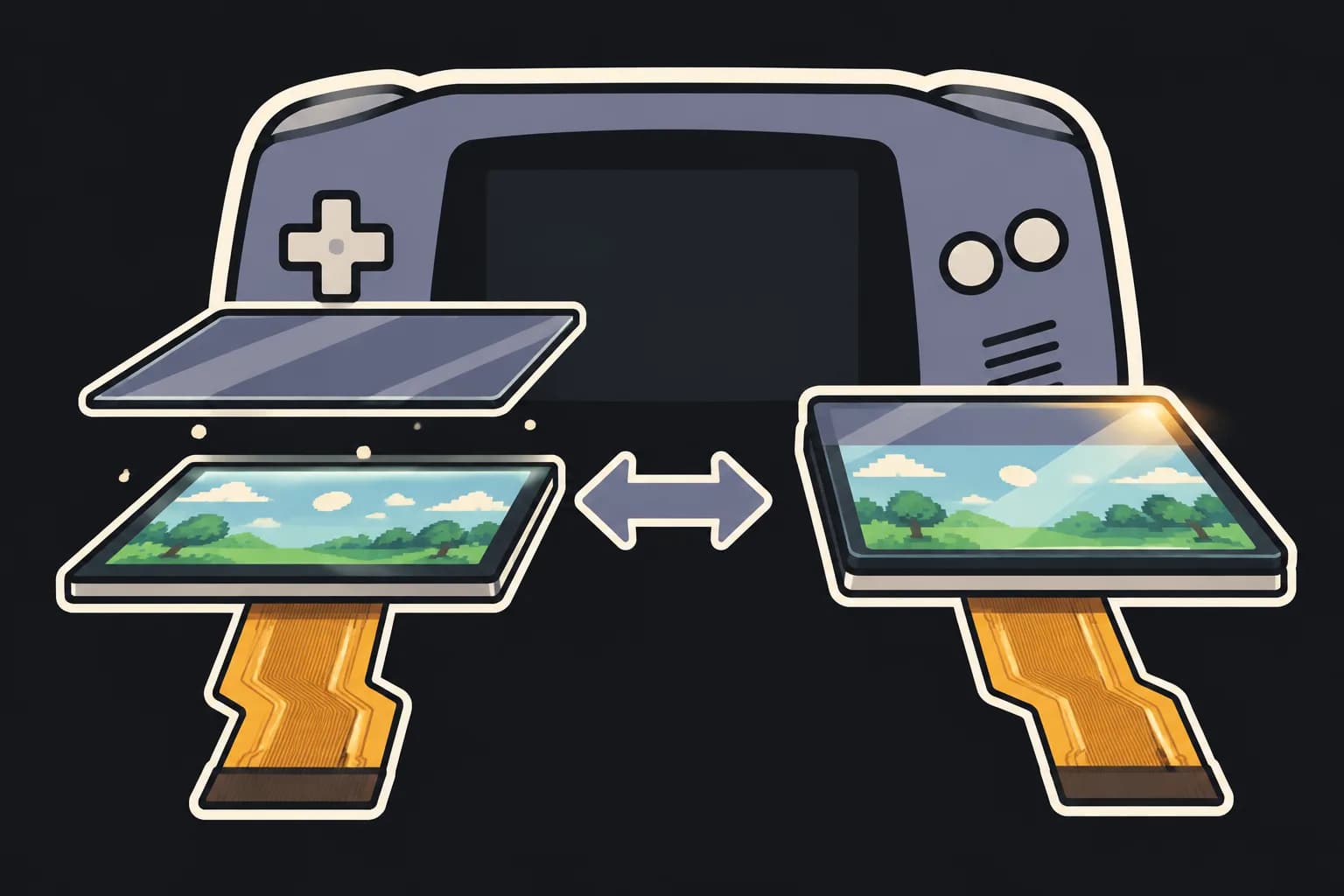
A non-laminated kit is a bare IPS panel that sits behind a separate glass lens in the shell. It is the flexible option: it fits IPS-ready shells, aluminum shells and — after trimming — original Nintendo shells. The trade-off is the small air gap between lens and panel, where dust can settle during the install.
A laminated kit bonds the lens straight onto the panel. The picture sits right under the glass and there is no gap for dust, and both laminated kits here are larger than stock. But the lens-and-panel stack has a fixed shape, so each laminated kit only fits a shell molded for it — and the two brands' laminated shells are not interchangeable.
Simplified side view, not to scale.
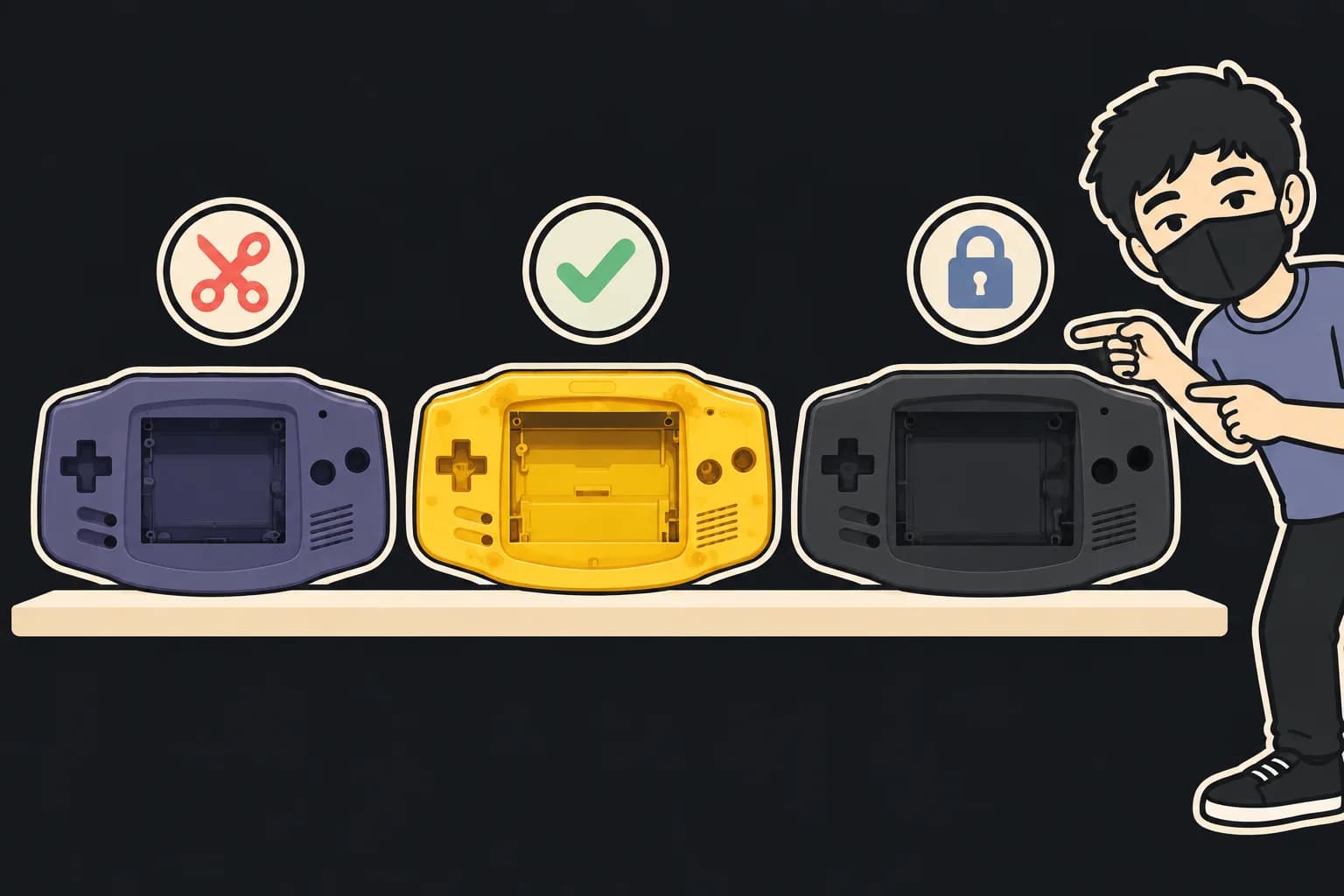
Original, IPS-ready, laminated-ready: the shell types
Original Nintendo shell — molded for the stock screen. Most IPS kits need its inner tabs trimmed; RetroSix CleanScreen is the vendor-stated drop-in exception.
IPS-ready shell (RetroSix, FunnyPlaying IPS/ITA) — pre-cut for non-laminated IPS panels with a wider lens window; FunnyPlaying notes you may still cut a few alignment pins. Not for laminated kits.
Aluminum shell (Boxy Pixel) — non-laminated screens only for now.
Laminated-ready shell — made for one laminated kit: Hispeedido's shell for its V5, FunnyPlaying's IPS MAX shell for the IPS MAX kit.
Before you buy: checklist and tools
Decide: keep your original shell, or buy a new one with the kit.
Find your shell in the chart and pick a kit that says “Fits”.
Laminated kit? Buy its matching shell in the same order.
Check whether you need a wider lens (non-laminated V2 kits).
Check whether the kit needs soldering, and whether you are fine with that.
Compare live prices below — buy new from a seller with returns.
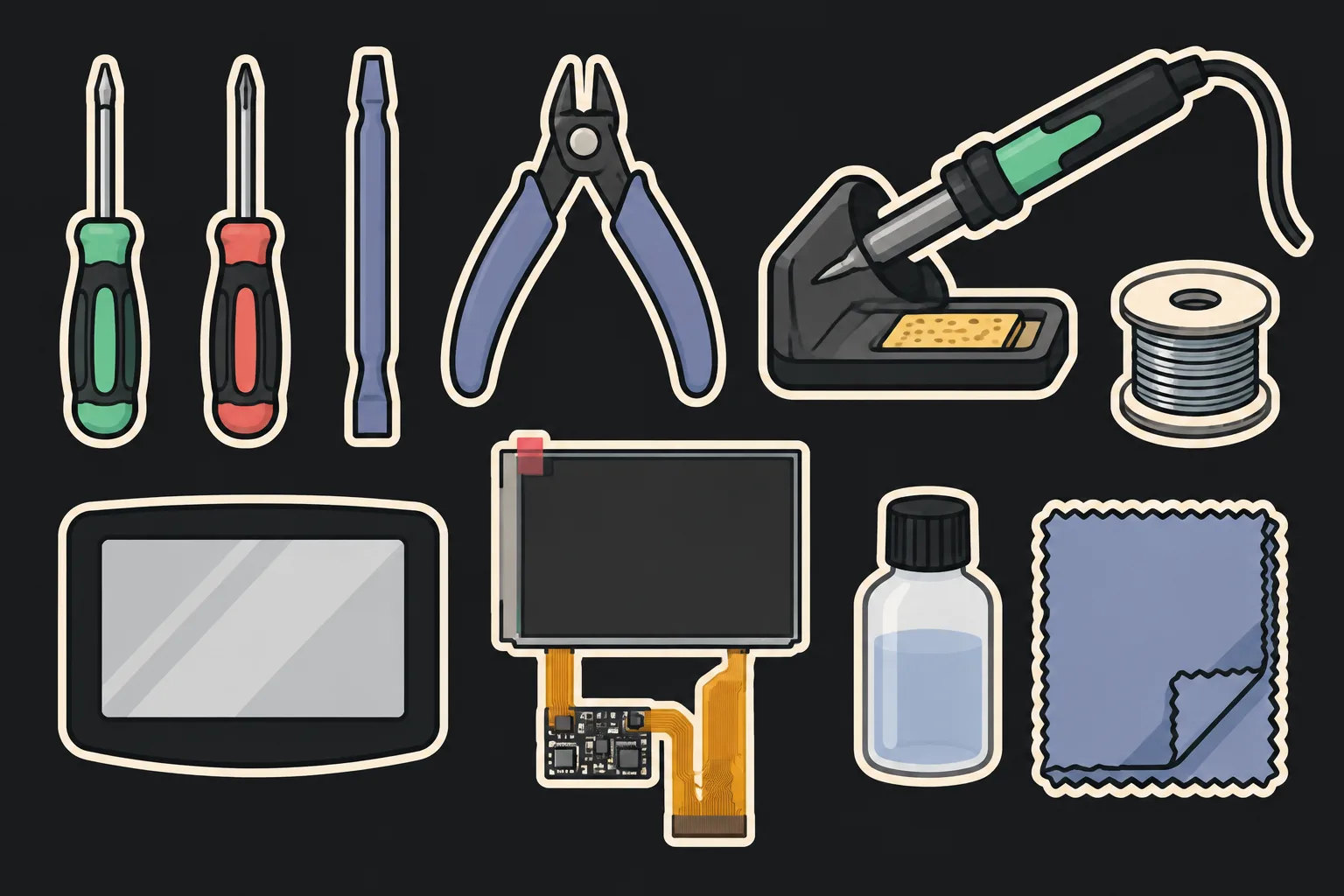
Tools you will need
Tri-wing and Phillips screwdrivers — GBA shells close with tri-wing screws; a console screwdriver and spudger kit covers both.
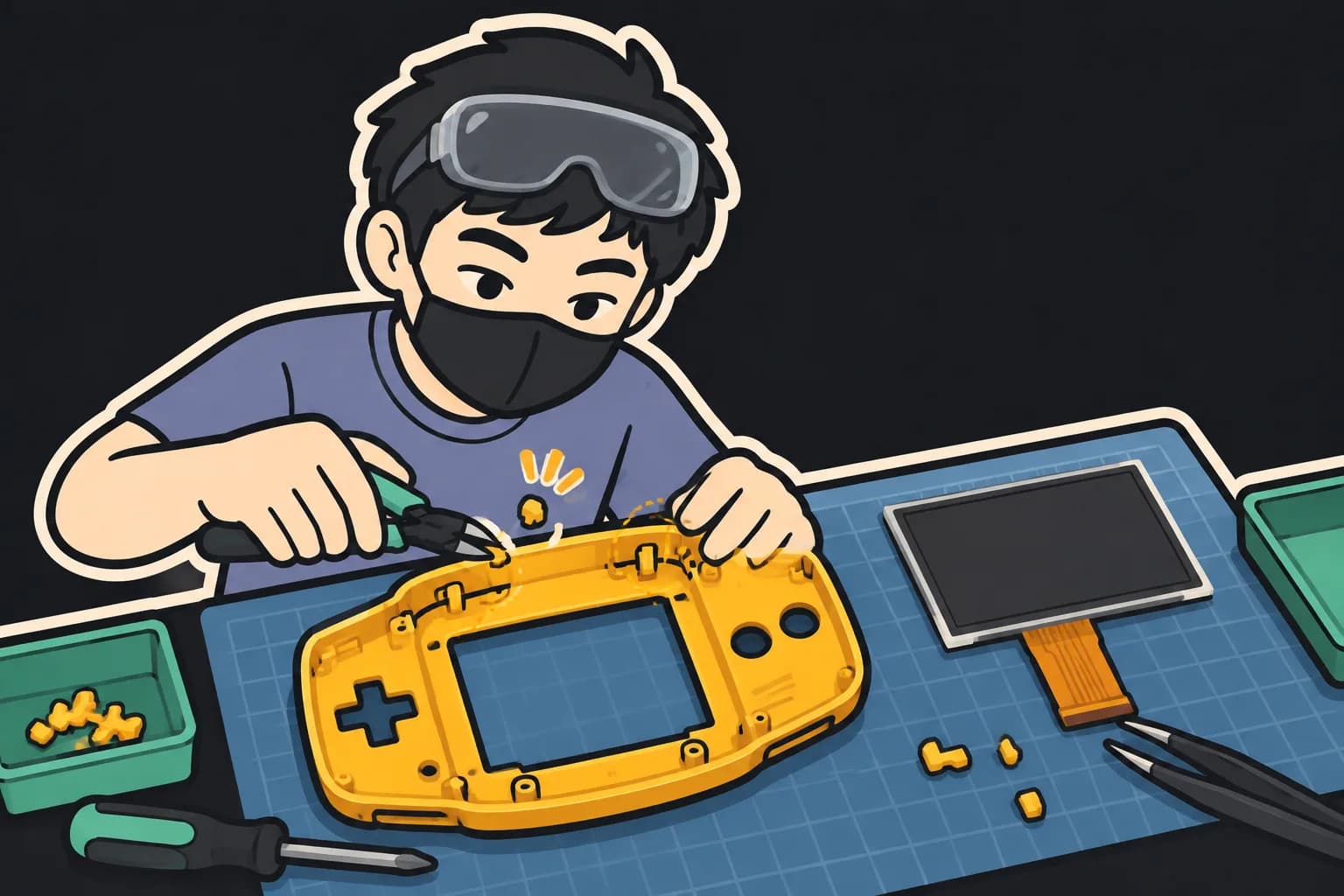
Flush cutters or a hobby knife — For trimming tabs and alignment pins when a chart cell says “Fits with modification”.
Soldering iron and fine solder — Only for the laminated kits, or for button brightness on the V2 kits.
A lens sized for your kit — V2 kits need a lens about 1 mm wider per side than stock.
Microfiber cloth and isopropyl alcohol — Dust under a non-laminated lens is the most common complaint after an install.
Which GBA IPS kit fits an original Nintendo shell without cutting?
RetroSix CleanScreen. Its vendor says it is a drop-in kit with no cutting or trimming of OEM shells. The non-laminated Hispeedido and FunnyPlaying V2 kits need a trim, and the laminated kits are made for their own shells.
Do I need to solder to install a GBA IPS screen?
Not for the non-laminated kits: RetroSix CleanScreen is drop-in, the Hispeedido IPS V2 touch kit adjusts brightness by touch sensor with no soldering, and the FunnyPlaying IPS V2 is solderless unless you want button brightness control. The laminated Hispeedido V5 and FunnyPlaying IPS MAX kits list soldering as required.
What is the difference between a laminated and a non-laminated IPS kit?
A laminated kit has the glass lens bonded to the screen, so there is no air gap for dust and the picture sits right under the glass. The catch is shape: a laminated kit needs a shell molded for it. A non-laminated kit is a bare panel behind a separate lens and fits more shells.
Can I keep my original GBA lens with an IPS kit?
Not with the Hispeedido or FunnyPlaying V2 kits: both vendors say the panel's viewing area is slightly larger than stock and needs a lens about 1 mm wider on each side (FunnyPlaying includes one). Laminated kits come with their lens attached.
Will a laminated kit fit a Boxy Pixel aluminum shell?
No. Boxy Pixel says its GBA shells only support non-laminated screens for now.
Can I mix the Hispeedido laminated V5 kit with the FunnyPlaying IPS MAX shell (or the reverse)?
No. Hispeedido says the V5 is not compatible with FunnyPlaying or other laminated shells, and FunnyPlaying says the IPS MAX kit and IPS MAX shell only work with each other.
Does it matter if my GBA has a 32-pin or 40-pin motherboard?
Not for these kits: RetroSix, Hispeedido and FunnyPlaying all state support for both 32-pin and 40-pin boards, and the V2 kits ship with both ribbon cables.
What does “Unverified” mean in the chart?
We could not find a statement from the kit or shell vendor about that pair. We do not fill gaps with guesses or forum posts. If you know a vendor page that answers it, send it with the report form and we will check it.
Live prices on eBay US
Lowest price per condition, refreshed every 15 minutes. Shell-only and lens-only listings are filtered out. Open a kit below for its cheapest listings. As an eBay Partner, we may earn from qualifying purchases.
— Re-checked vendor pages: 5 more cells sourced (IPS MAX shell is IPS MAX-only; Hispeedido V5 is not for other laminated shells) and Hispeedido V5 in an original shell changed from “Does not fit” to “Fits with modification” (the kit vendor says non-laminated shells may need heavy trimming). Added vendor specs per kit.
— First published: 5 kits × 5 shells, every cell linked to its vendor source.